.png)
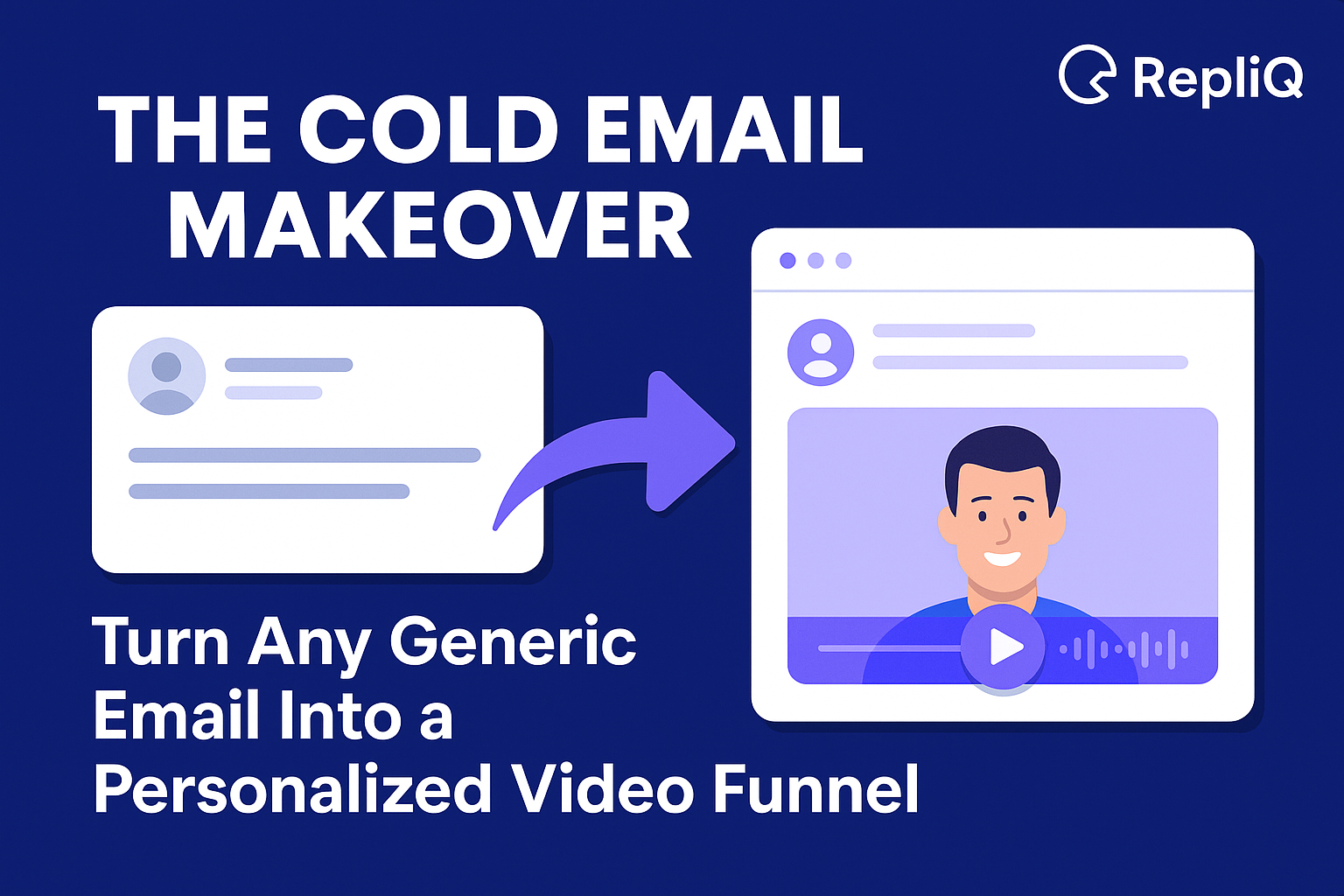
The Cold Email Makeover: Transform Any Generic Email Into a High-Converting Personalized Video Funnel
Your prospects’ inboxes are graveyards of good intentions. Every day, decision-makers are bombarded with hundreds of text-heavy, generic cold emails that all look, sound, and feel the same. The result? They hit "delete" before they even finish the first sentence. The era of "spray and pray" text outreach is over, but most sales teams are still using playbooks from 2015.
To break through the noise today, you need a pattern interrupt—something that immediately signals effort, relevance, and human connection. You need to transform your bland text outreach into a dynamic, personalized video funnel.
This isn't about manually recording 50 videos a day until you lose your voice. It is about leveraging AI to build a scalable, automated engine that treats every prospect like a VIP. In this guide, we will walk you through a complete "Cold Email Makeover." You will learn exactly how to convert a generic template into a high-converting video funnel outreach campaign, complete with scripts, automation workflows, and the tools needed to track your ROI.
Drawing from RepliQ’s experience powering hundreds of thousands of personalized video campaigns, we know that the shift from text to video isn't just a trend—it is the single biggest lever for increasing reply rates in modern outbound sales.
Table of Contents
- Why Video Funnels Outperform Text-Only Outreach
- Step-by-Step: Turning a Cold Email Into a Video Funnel
- Beginner-Friendly Scripts & Funnel Templates
- How AI Automates Personalization at Scale
- Measuring Performance and ROI
- FAQ
Why Video Funnels Outperform Text‑Only Outreach
The average cold email response rate hovers around 1%. The reason is simple: text is low-effort and low-trust. When a prospect sees a wall of text, their brain categorizes it as "spam" instantly. There is no face, no voice, and no proof that you are a real person who understands their specific problems.
Video prospecting flips this dynamic on its head. It serves as a powerful psychological pattern interrupt. When a prospect opens an email and sees a moving thumbnail with their name or website on it, curiosity takes over. It signals that you have done your homework.
Research backs this up. According to authoritative studies on video personalization research, personalized multimedia content can significantly enhance user engagement and trust compared to static text (source: https://arxiv.org/abs/2308.12743). In practical application, we consistently see personalized video campaigns drive 3–5x higher Click-Through Rates (CTR) than text-only equivalents.
The Problem with Manual Video Tools
Many sales reps try to adopt video using manual tools like Loom or Vidyard. While effective for one-off communications, these tools fail at scale. Recording a unique 60-second video for 100 prospects takes hours of energy, leads to burnout, and is impossible to sustain for high-volume outbound campaigns.
This is where AI changes the game. By using personalized AI videos, you can achieve the high trust and engagement of video without the manual labor, ensuring every single prospect receives a tailored message that feels handcrafted.
Step-by-Step: Converting a Cold Email Into a Video Funnel
Let’s look at a real-world makeover. Most cold emails follow a tired structure: a generic greeting, a self-centered pitch, and a weak call to action (CTA).
The "Before" Email (Generic Text):
Subject: Quick question
Hi [Name],
I’m with [Company]. We help businesses grow. I’d love to show you our software. Are you free for 15 minutes on Tuesday?
This email offers no value and demands the prospect's time immediately. To fix this, we need to convert it into a cold email funnel that leads with value.
The anatomy of a successful video funnel is:
- Hook: A hyper-personalized text intro that compels them to click.
- Video Asset: A concise, value-packed video hosted on a landing page.
- CTA: A clear next step (e.g., "Check out the audit" or "See the strategy").
- Follow-up Sequence: Automated bumps that reference the video content.
At RepliQ, we use this exact workflow to revive dead leads. If you are struggling to rewrite your initial hooks, you can use an AI cold email writer to instantly generate engaging, personalized intros that set the stage for your video.
Step 1 — Identify the Core Problem & Hook
Your email body text has one job: get the video clicked. Do not pitch your product in the text; pitch the video.
The Makeover:
Instead of "I'd love to show you our software," try:
"Hi [Name], I noticed [Company] is running ads for [Keyword], but I saw a broken link on your landing page. I recorded a 30-second video showing exactly where it is so you can fix it."
This solves a specific problem (broken link) and creates a "knowledge gap" that can only be closed by watching the video.
Step 2 — Script a Simple 20–30 Second Video
You do not need a Hollywood production. In fact, raw, authentic videos often convert better. However, many people suffer from "red light fever"—the anxiety of recording.
Simple Script Structure:
- Acknowledge: "Hey [Name], I’m on your site right now..."
- Value: "I noticed X is happening, which usually causes Y problem."
- Next Step: "I have a few ideas on how to fix this. Let me know if you want the full breakdown."
Recent studies on AI-generated video content suggest that AI-assisted creation tools can significantly reduce the friction of content production while maintaining high levels of personalization (source: https://arxiv.org/abs/2601.18218). If you are camera-shy, AI tools allow you to record once and let the software handle the personalization for thousands of recipients.
Step 3 — Build the Micro-Funnel Flow
A "video funnel" isn't just the email; it's where the user goes after the click.
- The Landing Page: When they click the video thumbnail, they should land on a clean, branded page.
- The Elements: The video should auto-play (muted). Below the video, include a calendar embed or a "Reply" button.
- Distractions: Remove navigation bars. The only goal is to get them to book a meeting or reply.
Step 4 — Automate Follow-Ups With Video Variants
One video isn't enough. Most replies come from follow-ups.
- Touch 2 (Day 3): "Did you get a chance to watch the video I sent?"
- Touch 3 (Day 6): A new video angle (e.g., a case study or social proof).
- Touch 4 (Day 10): Break-up email.
By automating this sequence, you ensure that no lead slips through the cracks.
Beginner‑Friendly Scripts and Funnel Templates
To get you started immediately, here are three video funnel templates adapted for different outreach scenarios. These use the Context-Value-CTA (CVC) framework.
Template Pack: First Touch Video Funnel
Goal: Curiosity and value.
Subject: Video for [Name] re: [Company] strategy
Email Body:
Hi [Name],
I was researching [Company] and noticed you’re targeting [Industry/Market].
I made a quick video sharing an idea on how you could lower your CAC by 20% based on what we’re seeing in the market right now.
[Insert Personalized Video Thumbnail with their Website Background]
Worth a chat?
- [Your Name]
Video Script:
"Hey [Name], [Your Name] here. I’m looking at [Company]’s LinkedIn page and saw you’re expanding the sales team. Usually, scaling teams struggle with data accuracy. We helped [Competitor] solve this last month. I’d love to share that playbook with you."
Template Pack: Follow‑Up Video Funnel
Goal: Bump the previous value without being annoying.
Subject: Re: the video I sent
Email Body:
Hi [Name],
I know inboxes get crazy. Just wanted to float this back to the top in case you missed the video breakdown I made for [Company].
[Link to Video Landing Page]
It covers the specific gap I found in your checkout flow.
Best,
[Your Name]
Template Pack: Re‑Engagement Video Funnel
Goal: Wake up dormant leads or past conversations.
Subject: Still a priority for [Company]?
Email Body:
Hi [Name],
It’s been a while since we spoke about [Topic]. I saw you recently launched [New Feature/Project]—congrats!
I recorded a quick update on how our new AI features could specifically accelerate that launch.
[Insert Video Thumbnail]
Cheers,
[Your Name]
How AI Automates Personalization at Scale
The biggest misconception about personalized video outreach is that it requires manual effort. Today, AI handles the heavy lifting.
Modern AI video personalization tools work by taking a single "base" video and dynamically altering elements for each recipient.
- Backgrounds: The AI can automatically scroll through the prospect's website or LinkedIn profile in the background of the video.
- Voice/Lip Sync: Advanced models can clone your voice to say the prospect’s name naturally.
- Text Overlays: Dynamic text fields (Name, Company, Revenue) appear on the video itself.
This technology allows a team of two SDRs to do the work of twenty. You simply upload a CSV file of leads, and the AI generates unique video links for every single row.
Research into AI personalization at scale demonstrates that automated systems can now tailor content with a degree of specificity that matches or exceeds human manual effort, making large-scale 1:1 communication viable for the first time (source: https://arxiv.org/abs/2508.04070).
How AI Rewrites the Email + Video Script Automatically
You don't just automate the video; you automate the text.
- Input: Your generic value proposition.
- AI Processing: The AI scans the prospect's website to find relevant keywords.
- Output: A rewritten email script that references their specific H1 tag or recent news.
How RepliQ Generates Video Variants for Each Lead
RepliQ specializes in this specific workflow. You record one generic message (e.g., "I saw your website and..."), and RepliQ’s engine places that video over a live capture of the prospect's actual website. To the prospect, it looks like you are browsing their site in real-time. This visual proof creates instant credibility.
How to Trigger Funnels Based on Behavior
True automation extends to behavior-based triggers.
- If Video Watched > 50%: Trigger a "hot lead" notification to the sales rep to call immediately.
- If Video Not Watched: Send a follow-up email with a different subject line.
- If CTA Clicked but No Booking: Send a "Need help booking?" email.
Measuring Performance and ROI of Video Funnel Outreach
You cannot improve what you do not measure. Moving from text to video funnel outreach requires tracking a new set of metrics.
Key Metrics to Track:
- Video Click-Through Rate (CTR): The % of people who click the thumbnail. (Benchmark: 15–25% is excellent).
- Watch Rate: How much of the video they watched. If drop-off is high at the 5-second mark, your video hook is weak.
- Reply Rate: The ultimate goal. Video campaigns often see 10–20% reply rates compared to 1–3% for text.
Simple ROI Formula:
(Total Revenue Generated from Video Leads - Cost of Software) / Cost of Software = ROI
Given that personalized videos raise CTR by 3–5x (as noted in the research cited earlier), the ROI on video software is often immediate after closing just one or two deals.
How to Track Video Funnel Performance
Use tools that integrate with your CRM (HubSpot, Salesforce) or outreach platform (Lemlist, Smartlead). Ensure your video hosting platform provides granular analytics on who watched and for how long.
Troubleshooting Poor Performance
- Low Open Rate: Your subject line is boring. Try adding "Video for [Name]" in the subject.
- Low Click Rate: Your thumbnail isn't personalized enough. Ensure their website background is clearly visible.
- High Watch Rate, No Reply: Your CTA is unclear or too demanding. Soften the ask (e.g., "Worth a chat?" instead of "Can we meet Tuesday at 2 PM?").
Scaling After Initial Wins
Once you have a winning script and video template, scale up. Increase your daily sending volume gradually (e.g., from 50 to 100 to 200) while monitoring domain health. AI automation allows you to scale volume without sacrificing the personalization quality that drives results.
Conclusion
The days of generic, text-heavy cold emails are numbered. By transforming your outreach into an AI-powered personalized video funnel, you stop begging for attention and start commanding it.
You now have the blueprint:
- Identify a hook that solves a problem.
- Script a concise, value-driven video.
- Use AI to automate the personalization for thousands of leads.
- Track your results and optimize.
Don't let another week go by sending emails that get ignored. Test one video funnel this week. Take your best-performing text email, give it a video makeover using the templates above, and watch your engagement metrics climb. With tools like RepliQ, the barrier to entry has never been lower, and the potential ROI has never been higher.
FAQ
Frequently Asked Questions
How long should my video be in a cold email funnel?
Keep your videos between 20–45 seconds. Data shows that attention spans drop significantly after the 45-second mark in cold outreach. Be concise: Hook, Value, CTA.
Do I need to manually record each video?
No. AI tools like RepliQ allow you to record a single "base" video. The software then automatically generates thousands of personalized versions by overlaying your video onto the prospect's website or LinkedIn profile.
Does video really increase cold email replies?
Yes. Personalized video campaigns consistently outperform text-only campaigns, increasing Click-Through Rates (CTR) by 3–5x and boosting reply rates by 50–200% depending on the industry and offer quality.
What if I’m camera-shy or hate recording?
You can use AI avatars or simply record your screen with a voiceover. However, showing your face builds trust faster. If you struggle with recording, record one good take and let AI handle the personalization for every other lead.
How many videos should I use in a funnel?
A typical sequence includes 2–4 videos. Use an introductory video in step 1, a "bump" video in step 3, and potentially a value-add video (like a case study) in step 5 or 6.

.svg)
.png)


.svg)


